
Docs
Subscriptions
Every Sparky product your organization can use, and its current plan, in one place.
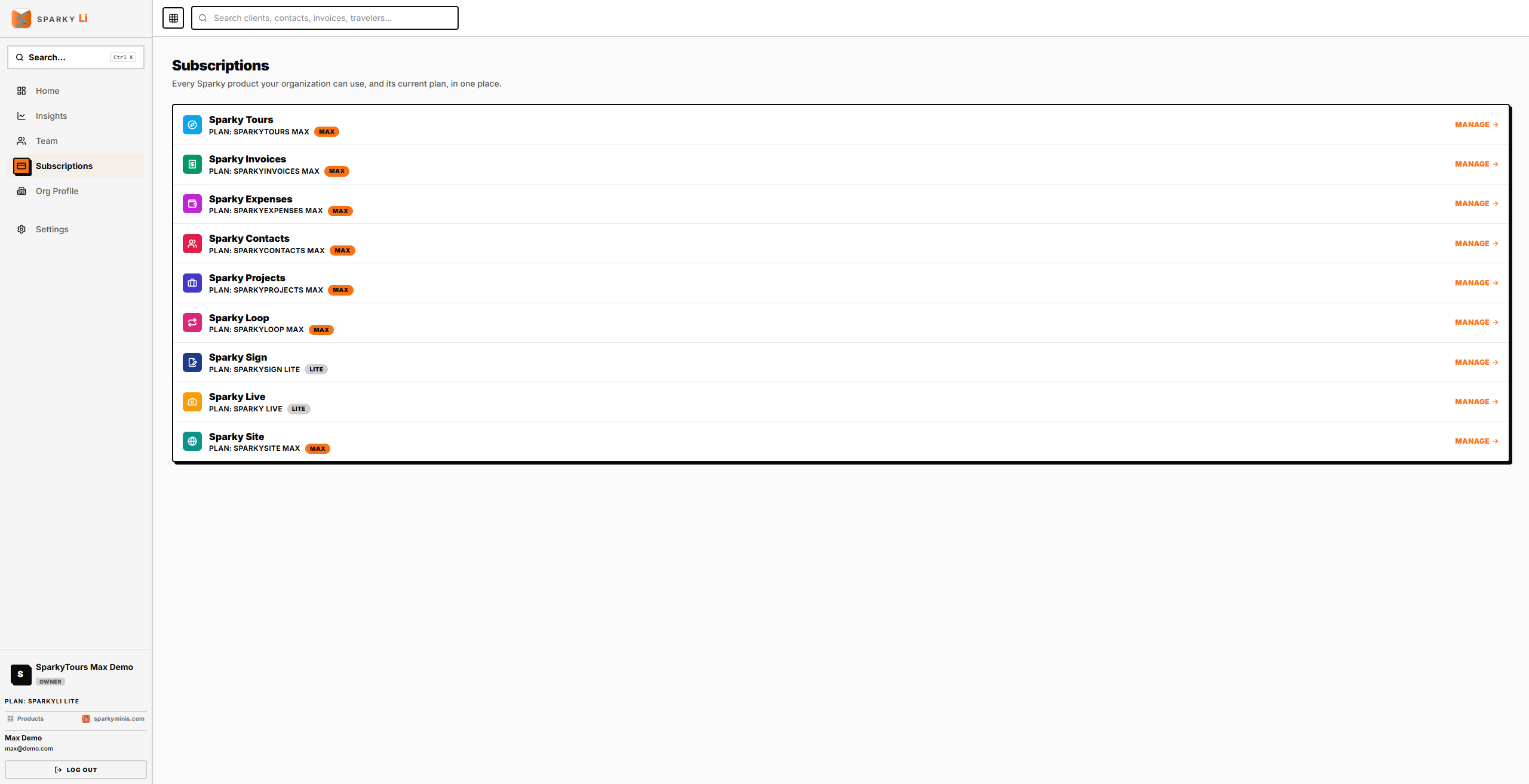
How to see your subscriptions
Open Subscriptions from the sidebar. Each product is listed with its plan if you already use it, or a "Try for free" link if you don't yet.
How to manage a subscription
Choose Manage subscription to change plans. Plans are bundles (Tours ERP, Business, Loop, Site), each with Lite, Plus and Max, and are bought and changed only in SparkyLi; each product's own Plan & Billing page just shows what it includes and links here. sparkyli.com/plan-changes explains upgrading, downgrading and cancelling.