
Team
Everyone in your organization, across every Sparky product you use, in one roster — instead of checking each product's own Members page separately.
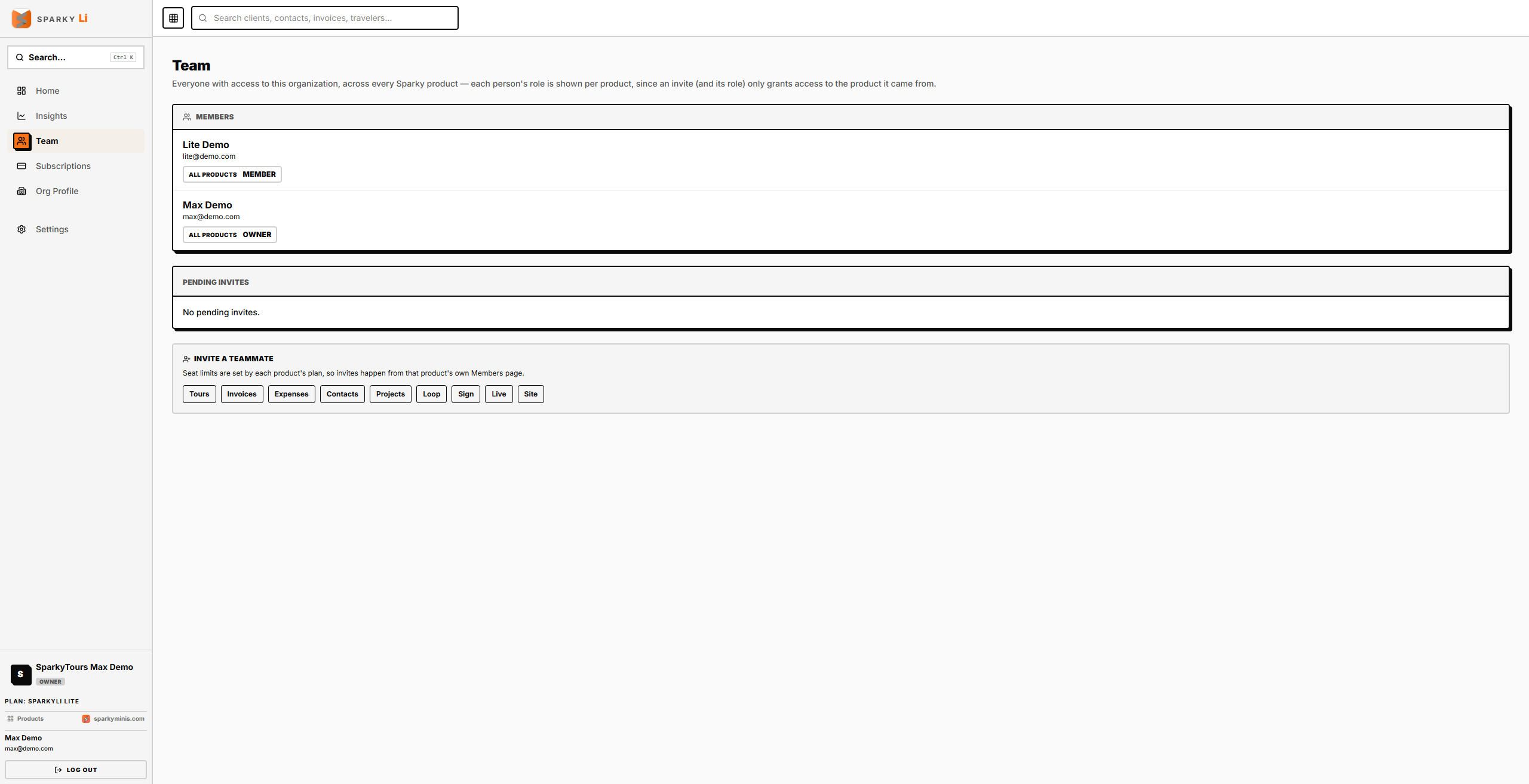
How to see your team
Open Team from the sidebar. Everyone with access to any of your organization's products is listed once, with a badge for each product showing their role there — an invite (and its role) only grants access to the one product it came from, so someone can be a Member on one product and Owner on another.
How to invite someone
Under "Invite a teammate," choose the product they need access to — this takes you to that product's own Members page, so its seat limit is checked correctly. Once accepted, they'll show up here too.
How to revoke a pending invite
Pending invites across every product are listed together here; use the revoke control on the invite's row.