
Settings
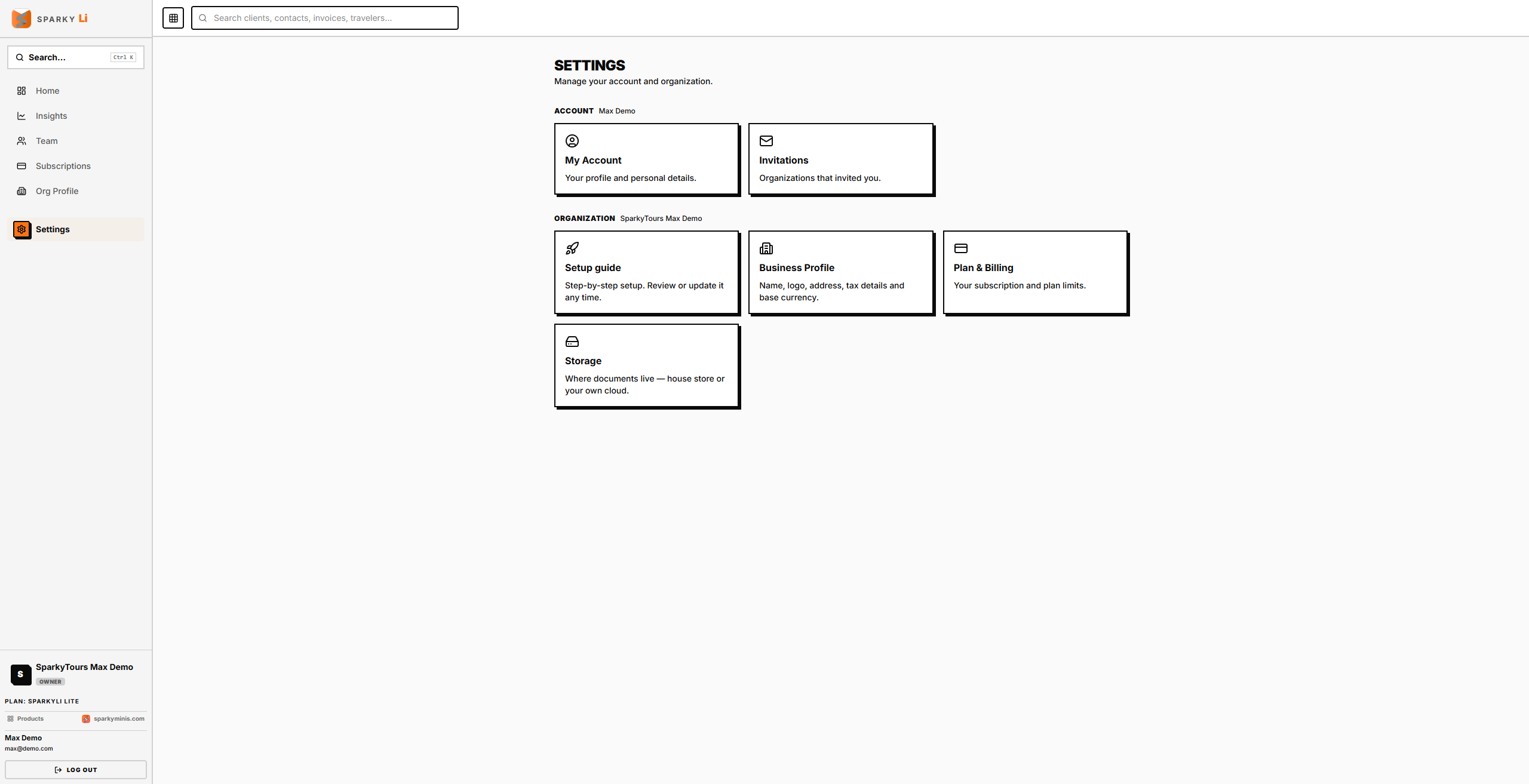
Your personal account details plus your organization's business profile, billing, and storage — shared across every Sparky product your organization uses.
How to update your personal account name
Open Settings → My Account. This also lists every organization you belong to and which one is currently active.
How to accept or decline an organization invitation
Open Settings → Invitations — this shows invites sent to your email address across any organization, not just this one.
How to update your organization's business profile
Open Settings → Business Profile. Fields: organization name, legal name, contact email/phone, address, registration number, logo, and base currency. (The same details are also editable from the top-level Org Profile page — see that page's own guide.)
How to view or change your plan
Open Settings → Plan & Billing.
How to connect document storage
Open Settings → Storage. Connecting takes you through your provider's sign-in and authorization flow; disconnecting is immediate.